VS Codium / VS Code: Discord Presence by Crawl
Get the extension on Visual Studio Marketplace
Currently, I am using VS Codium, an open-source version of Microsoft's VS Code. Regardless of the client I am using, I definitely cannot live without a tiny tool named Discord Presence. As the name suggests, it shows my current workspace as a Discord Presence status, and it includes various display customizations, mostly focusing on the detail sections, including current workspace information and current file information. When the VS Codium/VS Code window is not focused, the extension intelligently displays the presence status as "idling".
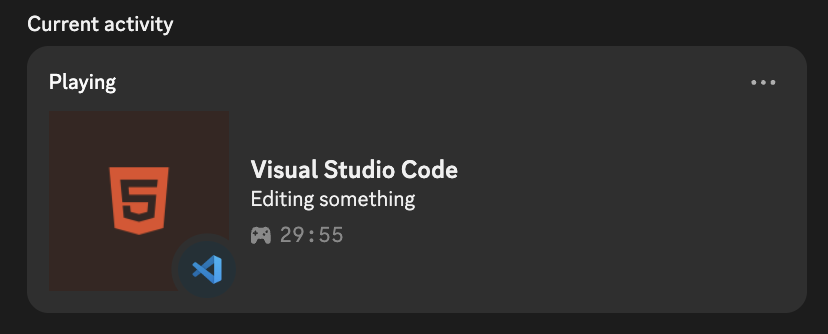
Well, Discord Presence is super generous with the information that can be shown. However, I am not into revealing the actual filename or folder name. Therefore, I added custom strings that hide the filename or folder name. And voila! I mean, it is not a big deal, but it is handy enough to prevent weird circumstances if somebody really stalks my Discord status.
Here is my configuration of Discord Presence, in JSON.
"discord.detailsDebugging": "Debugging something",
"discord.detailsEditing": "Editing something",
"discord.removeLowerDetails": true,
"discord.lowerDetailsIdling": "Taking a break",
"discord.largeImageIdling": "Hey, leave me alone!",
"discord.detailsIdling": "Taking a break",
"discord.largeImage": "Aren't you stalking my source code?",